
Create a pegboard Tool Wall
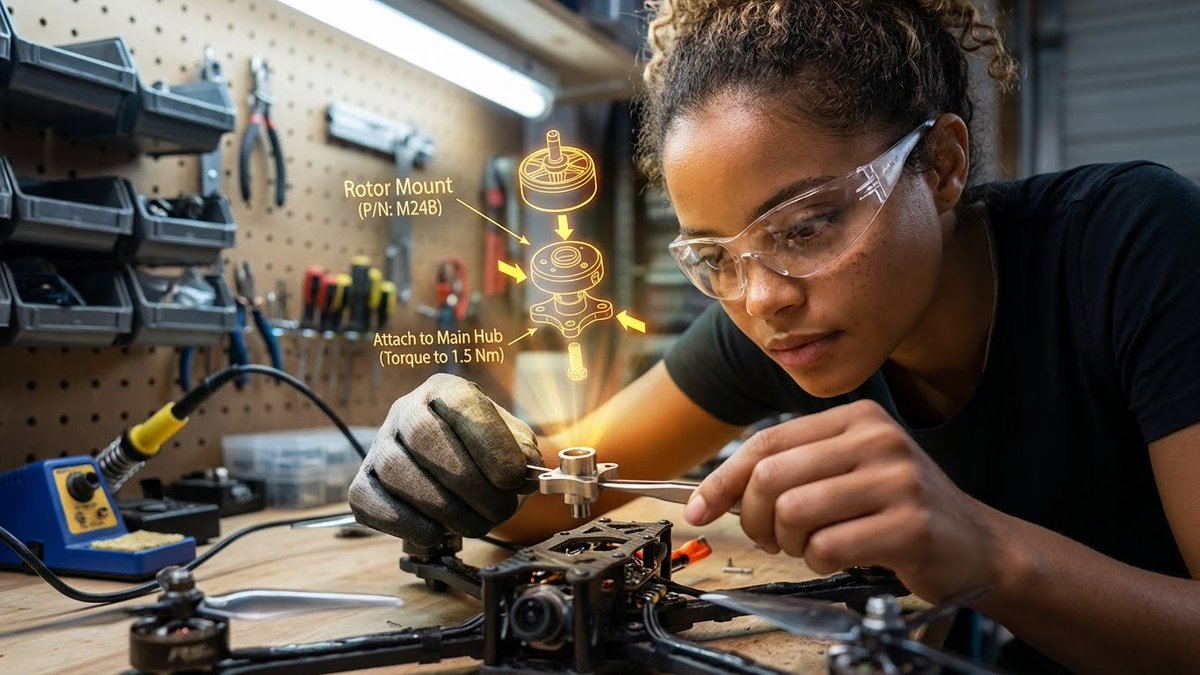
How to pegboard tool wall in the background, organized small parts containers, a soldering iron station, wood grain of the workbench, metal shavings...
0
Times used
0
Likes
Unlock Your Inner Maker: Crafting the Perfect Pegboard Tool Wall with AI
There's a unique and captivating beauty to a well-organized workshop. It’s a space of potential, a testament to creativity, and a visual symphony of order and chaos. The centerpiece of this creative haven is often the pegboard tool wall—a canvas where every hammer, screwdriver, and wrench has its place, ready for the next project. This aesthetic, a blend of rugged utility and meticulous organization, speaks to the maker, the tinkerer, and the innovator in all of us. Now, with the power of Orno's advanced AI image editor, you can instantly generate stunningly realistic and endlessly customizable workshop scenes with our "Create a pegboard Tool Wall" style.
Whether you're a content creator needing a unique background, a designer visualizing a concept, or simply an enthusiast of the maker culture, this guide will dive deep into the art of creating the perfect AI-generated pegboard tool wall. We'll explore the key elements that bring these images to life, offer tips for mastering the prompt in Orno, and showcase the limitless creative possibilities that await. Get ready to transform a simple text description into a photorealistic glimpse into the ultimate creative workspace.
The Anatomy of the Perfect AI-Generated Workshop Scene
A truly convincing AI-generated image is more than just a random collection of objects; it's a carefully constructed scene where every detail contributes to a cohesive story. The "Pegboard Tool Wall" style in Orno is engineered to understand the nuances of a workshop environment, focusing on specific elements that create a sense of realism and atmosphere. Let's break down the core components.
The Pegboard: The Ultimate Canvas of Organization
The pegboard itself is the foundation of the entire aesthetic. It's not just a backdrop; it’s a character in the scene. A great AI image generator like Orno recognizes that a pegboard isn't just a grid of holes. It has texture, material, and history. Our AI can render a variety of styles, from classic brown hardboard to sleek industrial metal or even a custom-painted color to match a specific brand. The prompt allows the AI to populate this canvas with an array of hooks, holders, and, of course, tools, creating a composition that feels both deliberate and naturally used.
Tools of the Trade: From Pliers to Power Drills
What is a tool wall without tools? The magic of AI image generation lies in its ability to conjure an incredible variety of equipment. You can generate scenes featuring the gleaming chrome of wrenches and sockets, the worn handles of screwdrivers, the coiled cord of a power drill, or the delicate precision of electronic testing equipment. By adding specific tool names to your prompt within Orno, you can guide the AI to create a theme. For example, a prompt focusing on "wood chisels, hand planes, and marking gauges" will produce a woodworking shop, while mentioning "multimeters, oscilloscopes, and wire strippers" will shift the scene to an electronics lab.
The Details that Matter: Bins, Containers, and Soldering Stations
Realism is found in the small things. A genuine workshop is filled with more than just large tools. It’s the small, transparent plastic bins filled with screws, resistors, and miscellaneous parts that tell a story of projects past and future. The "Pegboard Tool Wall" style excels at adding these crucial details. One of the standout features of this prompt is its inclusion of a "soldering iron station." This element instantly adds a layer of technical sophistication, suggesting a space for intricate electronics repair or creation. Orno's AI renders the station with incredible detail—the coiled stand, the brass wool tip cleaner, and the subtle heat haze, making the scene feel active and alive.
Texture and Grit: Wood Grain, Metal Shavings, and Lived-In Realism
The final layer of authenticity comes from texture and imperfection. A sterile, perfectly clean workshop can feel artificial. That’s why our prompt specifically includes elements like the "wood grain of the workbench" and "metal shavings." Orno’s AI engine is finely tuned to generate hyper-realistic textures. You can almost feel the tactile grain of the wooden bench, scarred by years of work. The scattered metal shavings or sawdust catch the light, providing evidence of a project just completed. This attention to surface detail, combined with realistic lighting and shadows, is what elevates an AI image from a simple generation to a piece of art that feels tangible and immersive.
Why the Pegboard Tool Wall Aesthetic is So Popular
The image of a workshop resonates deeply with our modern culture. It taps into several powerful themes, making it a highly sought-after visual for a wide range of applications. Using Orno to create unique variations of this aesthetic gives you a powerful tool for visual storytelling.
The "Maker" Culture and DIY Appeal
The rise of maker culture and the Do-It-Yourself (DIY) movement has put creativity and hands-on problem-solving in the spotlight. A pegboard tool wall is the quintessential symbol of this ethos. It represents self-reliance, skill, and the passion for building and repairing. Images generated with this style are perfect for blogs, social media channels, and websites dedicated to topics like 3D printing, home improvement, custom electronics, and craftsmanship.
A Visual Metaphor for Organized Chaos
The workshop aesthetic perfectly embodies the concept of "organized chaos." It's a space that might look cluttered to an outsider, but to the creator, every item has a purpose and a place. This makes it a powerful visual metaphor for the creative process itself—a mix of brainstorming, experimentation, and eventual structured output. Businesses in the tech, engineering, and innovation sectors can use these images to represent their R&D departments or their company's hands-on approach to problem-solving.
Perfect for Stock Imagery and Thematic Content
Tired of using the same generic stock photos of people in suits pointing at charts? The pegboard tool wall offers a refreshing, authentic, and engaging alternative. By generating your own image with Orno, you get a completely unique, royalty-free asset that perfectly matches your content's tone. It's ideal for articles about technology trends, product repairability, startup culture, and vocational training.
Mastering the Prompt: How to Customize Your Workshop in Orno
The base "Pegboard Tool Wall" prompt is a fantastic starting point, but the real power of Orno lies in its flexibility. By tweaking and adding to the prompt, you can become the director of your own virtual workshop photoshoot. Here’s how to get the exact look you want.
Start with the Base Prompt
Begin with the core description to ensure all the essential elements are present: "A pegboard tool wall in the background, organized small parts containers, a soldering iron station, wood grain of the workbench, metal shavings." This gives the AI a strong, detailed foundation to build upon.
Add Your Own Flavor: Modifying the Prompt for Unique Results
Now for the fun part. Think like an art director and add descriptive modifiers to guide the AI. Here are some ideas:
- Control the Lighting: Add phrases like "warm incandescent light," "cool blue LED accent lighting," or "dramatic morning sunlight streaming from a side window" to completely change the mood.
- Define the Theme: Get specific with the workshop's purpose. Try "a watchmaker's workbench with precision tools" or "a messy artist's studio with paint-splattered tools" or "a futuristic cybernetics lab workbench."
- Adjust the Color Palette: Guide the colors by adding "monochrome color scheme," "vibrant and colorful tools," or "desaturated, gritty cinematic style."
- Change the Camera Angle: Direct the shot by using terms like "macro photo of metal shavings," "wide angle view of the entire workshop," or "top-down view of the workbench."
- Introduce a Subject: While the style focuses on the environment, you can add a subject. For instance, "A half-finished custom keyboard on the workbench" or "a schematic diagram laid out next to the soldering station."
Creative Use Cases for Your AI-Generated Tool Wall Images
Once you've generated your masterpiece with Orno, what can you do with it? The applications are virtually endless.
- Blog Post Banners: Create a compelling, high-quality header image for your next article on technology, DIY projects, or business innovation.
- Website Backgrounds: Design a unique hero image or a subtle background texture for your professional portfolio, a tech company's "About Us" page, or a maker's e-commerce site.
- Social Media Content: Post visually striking images on platforms like Instagram and Pinterest to attract followers interested in tech, gadgets, and craftsmanship.
- YouTube Thumbnails: Generate an eye-catching thumbnail that screams "expert" for your videos on product reviews, tutorials, or repairs.
- Concept Art & Visualization: Quickly create reference images or concept art for a character's environment in a video game, film, or novel.
- Presentations & Pitch Decks: Add a professional and thematic touch to your slides when presenting on topics related to engineering, product development, or innovation.
Frequently Asked Questions (FAQ)
Can I generate images of specific, branded tools on the pegboard?
While AI models are incredibly powerful, generating specific, trademarked brand logos or patented designs can be inconsistent and may have copyright implications. For best results, we recommend describing the type, color, and style of the tool (e.g., "a red and black cordless power drill") rather than a specific brand name. This gives Orno's AI creative freedom while still achieving your desired look.
How can I make the image look more photorealistic?
To increase photorealism, focus on lighting and texture in your prompt. Use terms like "photorealistic," "8K resolution," "sharp focus," and "cinematic lighting." Describing the light source, such as "soft light from an overhead fluorescent lamp" or "golden hour sunlight," can dramatically enhance the realism of the scene.
Are the images I generate with Orno free to use?
Usage rights can vary based on your subscription plan. We encourage you to review Orno's terms of service for detailed information on personal and commercial usage rights for the images you create. We strive to provide flexible options for all types of creators.
What's the difference between asking for a "pegboard" versus a "slat wall"?
While similar in function, they are visually distinct. A pegboard is characterized by its grid of small, round holes. A slat wall features horizontal grooves or "slats." Orno's AI understands this distinction, so you can specify "slat wall" in your prompt to generate that specific type of organization system for a more modern, retail-style look.
Why should I use Orno for creating workshop scenes?
Orno is designed with creators in mind. Our "Pegboard Tool Wall" style is not just a generic prompt; it's a finely-tuned model that understands the specific interplay of elements that make a workshop scene feel authentic. Orno offers a superior level of detail in textures like wood grain and metal, more intuitive prompt customization, and faster generation speeds, allowing you to iterate on your ideas quickly and efficiently. Dive in and see the Orno difference for yourself!
Ready to build your dream workshop? Try the "Create a pegboard Tool Wall" style in Orno now and bring your creative vision to life!
Use This Prompt
Transform your images with AI
Save this prompt as its own icon for one-tap access.